Please be sure to read Kyary Pamyu Pamyu Official Fan Club "KPP CLUB" After the renewal, Information for first-time login for【Annual Members】
On March 10, 2025 (Monday), Kyary Pamyu Pamyu's official fan club 'KPP CLUB' was renewed.
If you were registered as a member of the previous "KPP CLUB," you will need to complete the "password reset" procedure and the "Plus member ID issuance" procedure as part of your first site login after the renewal. By completing the "first login," it is possible to retain your annual member status.
Please check the following steps before proceeding with your request.
*If you do not perform the initial login, you will not be able to access the official fan club of Kyary Pamyu Pamyu, 'KPP CLUB', and its services.
*The status of those who were registered as monthly members before the renewal will not be carried over. Please register anew.
※ For your first login, no membership fee is required. Please be careful not to register as a new user.
We cannot accept refunds for payments made by mistake as new transactions. Thank you for your understanding in advance.
*For those who join after March 10, 2025 (Monday), the initial login below is not required. Please log in using the "Plus member ID" issued at the time of membership completion and the "password" you set.
You can proceed to the login page by clicking the "Login" button on the top page or below. Please access the site using a browser (Safari/Chrome) to complete the process. In-app browsers (Yahoo! JAPAN app and Google app) are not guaranteed to work.
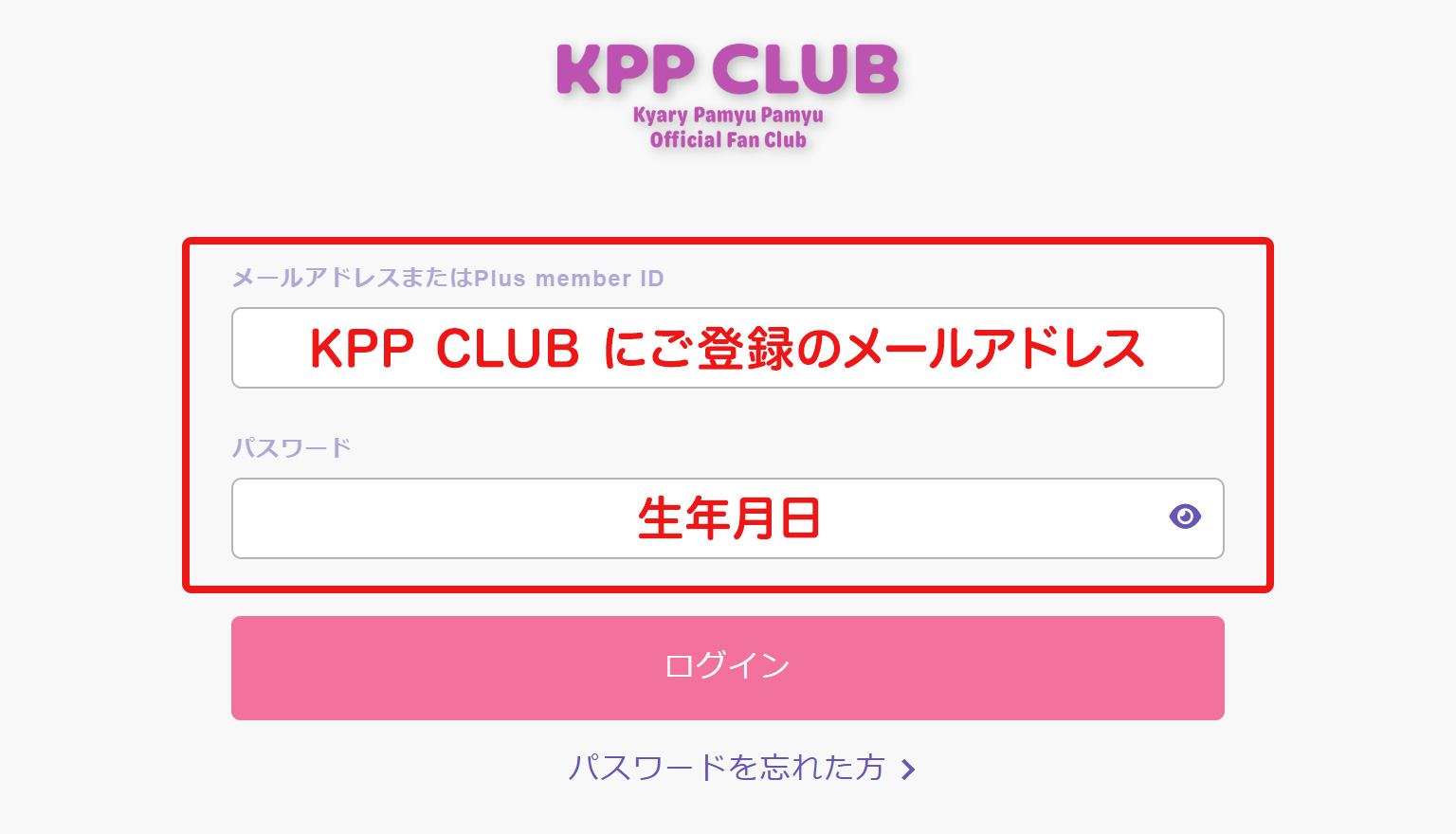
STEP 2 Log in with the email address registered with Kyary Pamyu Pamyu's official fan club "KPP CLUB" or your membership number and date of birth.
Please enter the email address or membership number you registered with the official fan club of Kyary Pamyu Pamyu "KPP CLUB" before its renewal, along with your registered date of birth (8-digit half-width numbers).
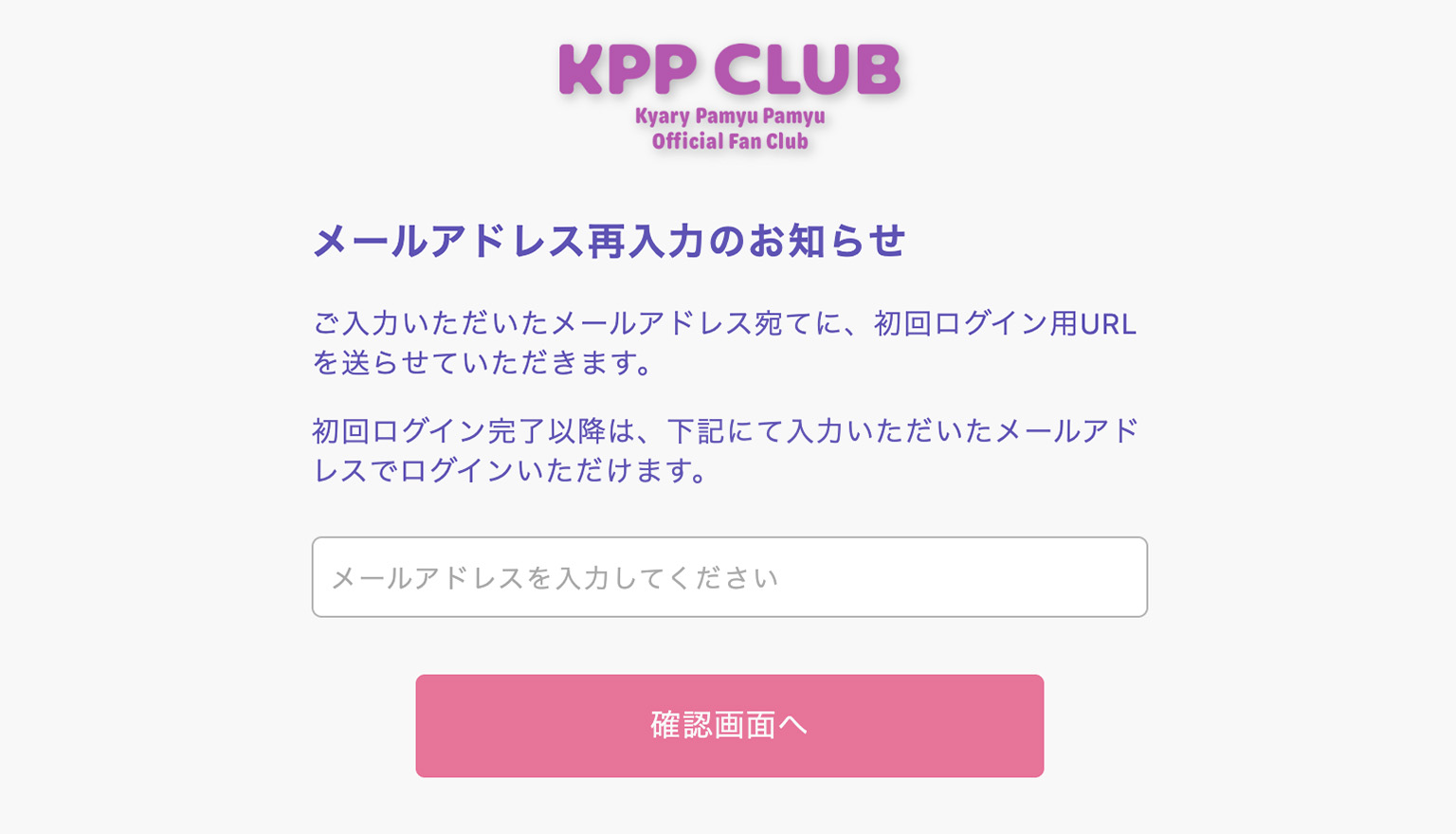
Please enter your email address after inputting the information.
After completing the input, a URL for the initial linkage will be sent to your email address, so please follow the instructions provided.
▼ Notes
* No payment of membership fees is required. Please be careful not to register as a new member. We cannot accept refunds for payments made by mistake as a new member. Thank you for your understanding. * You cannot authenticate with "Plus member ID" or "membership number" during the first login. Please be sure to log in with your "email address."
* If you are unable to authenticate even after entering the date of birth set before the renewal, please contact us using the information below.
STEP 3 Setting the password and registering member information
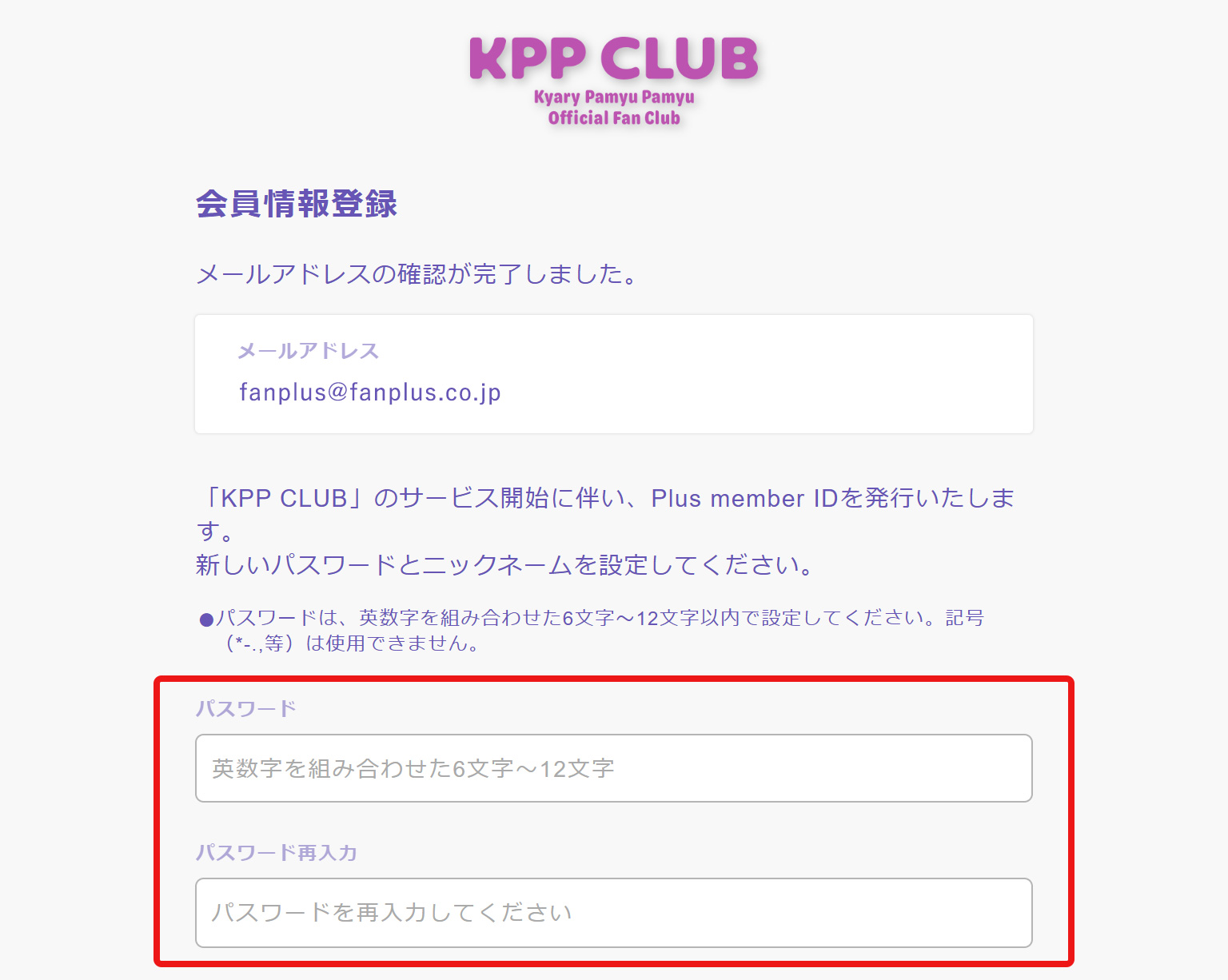
The "Password Setting/Member Information Update" screen will be displayed. Please check the displayed email address and enter your "desired password (6 to 12 characters of half-width alphanumeric characters)" and member information.
[About Extended Characters such as Old Kanji]
Due to the risk of garbled text, extended characters such as old kanji and Roman numerals cannot be registered. If you have used them in your name or address, please check them on MY PAGE after your initial login and replace them with modern characters for registration. We kindly ask for your understanding and cooperation.
If you already have a registered Plus member ID (formerly EMTG ID)
"If you have already obtained a Plus member ID with the address registered in the official fan club 'KPP CLUB' of Kyary Pamyu Pamyu, the obtained ID will be displayed."
On the site provided by Fanplus or on sites using the ID service, you will need to register your member information. Please select your Plus member ID, enter the password associated with that ID, and press the "Register" button. Once authentication is complete, please continue with the member information registration.
*If you have already obtained a Plus member ID, please note that the information registered on the previous site will overwrite your KPP CLUB membership information and Plus member ID after the renewal.
If the address or phone number information registered under your Plus member ID is outdated, please update it with the latest information.
*Name, phonetic spelling, date of birth, and gender cannot be changed by yourself. If there are any errors, please check through 'Help/Contact Us'.
STEP 4 Confirmation of registration information
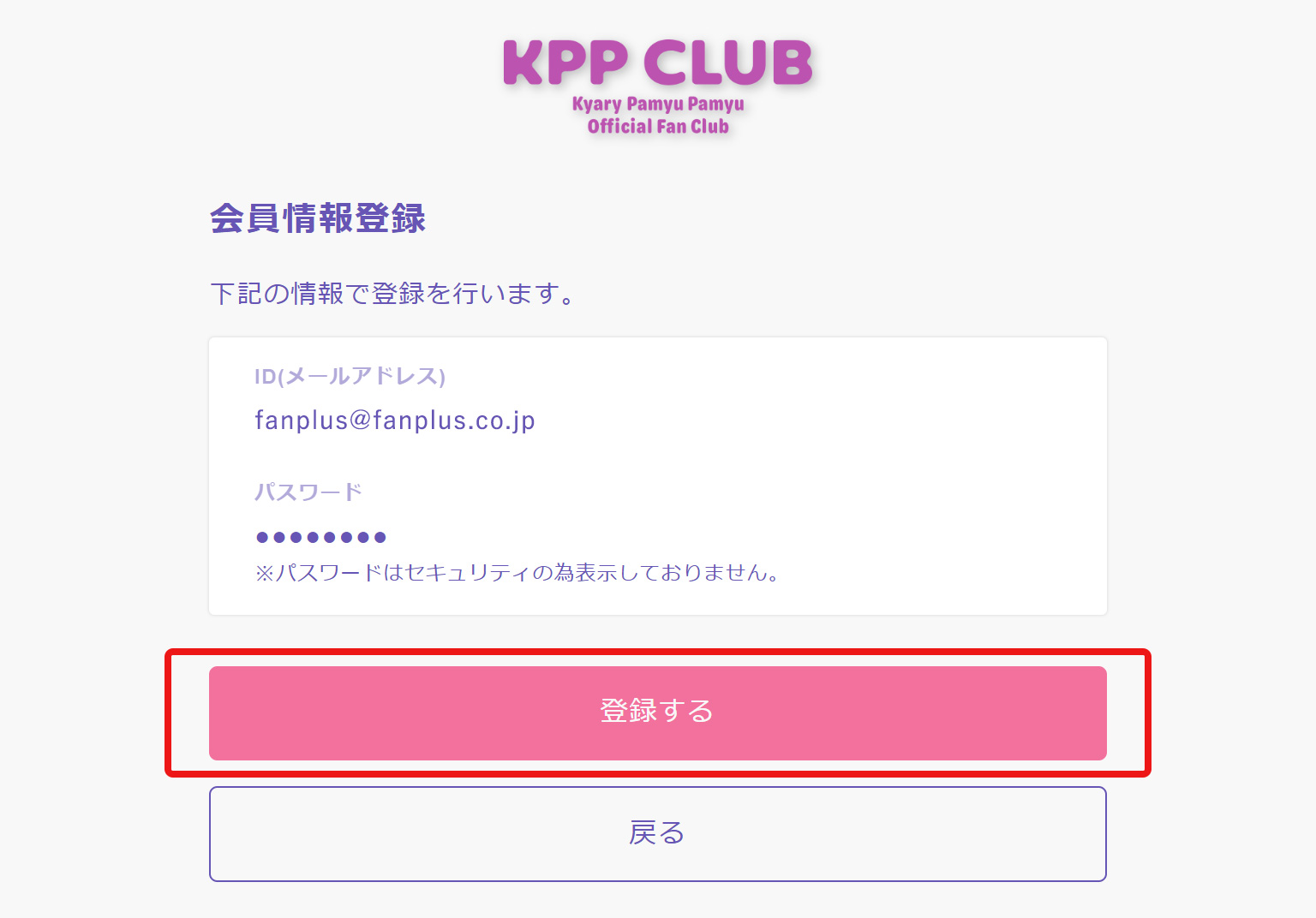
A confirmation screen for your registration details will be displayed. Please check the details, and if there are no issues, press the "Update Membership Registration Information" button.
If there are any errors in your name or address, it may result in not receiving membership benefits. Please make sure to check that your registration details are correct.
*Please enter your address correctly without omitting details such as building names or room numbers.
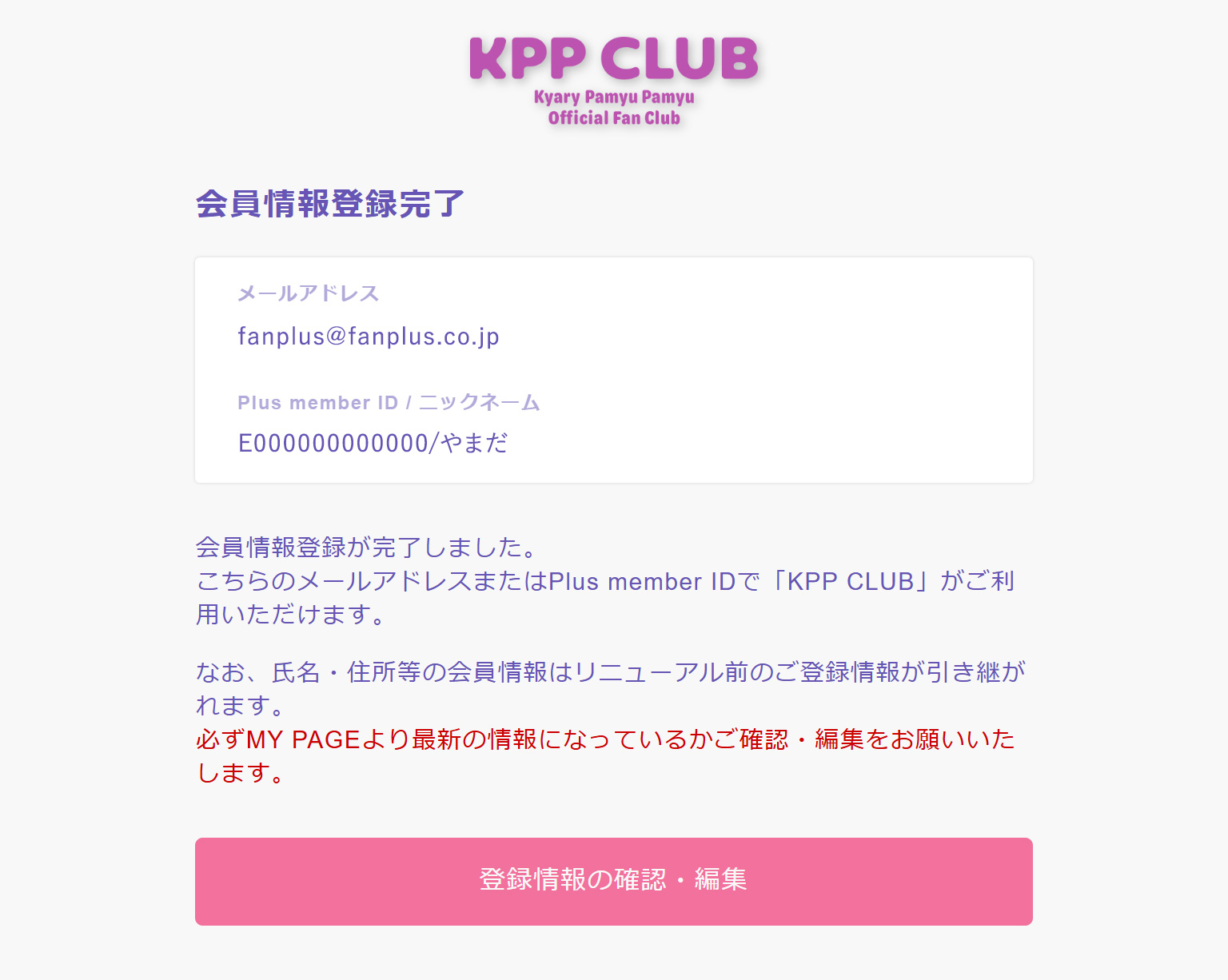
STEP 5 Registration Complete
Once the registration completion screen is displayed, the initial login process is complete.
You will receive an email titled "[KPP CLUB] Notification of Login Settings Completion" at the registered email address, so please keep it safe.
From the next time (after completing your initial login), go to the login page by clicking the "Login" button on the top page. Please log in with your "Plus member ID or email address" and "new password you set."